Why your to-do list feels overwhelming
Your list remembers everything you have to do. Choosing what to start is a second job, and the list is bad at that one. You are running a single tool for both, which is why opening it costs you something and why writing a shorter one seldom helps.
The short version
A long list charges you a decision every time you open it, on top of the work itself. Five things cut that charge: show yourself less at once, settle the order before you start, keep capture separate from doing, archive what you finish, and give repeating work its own list.
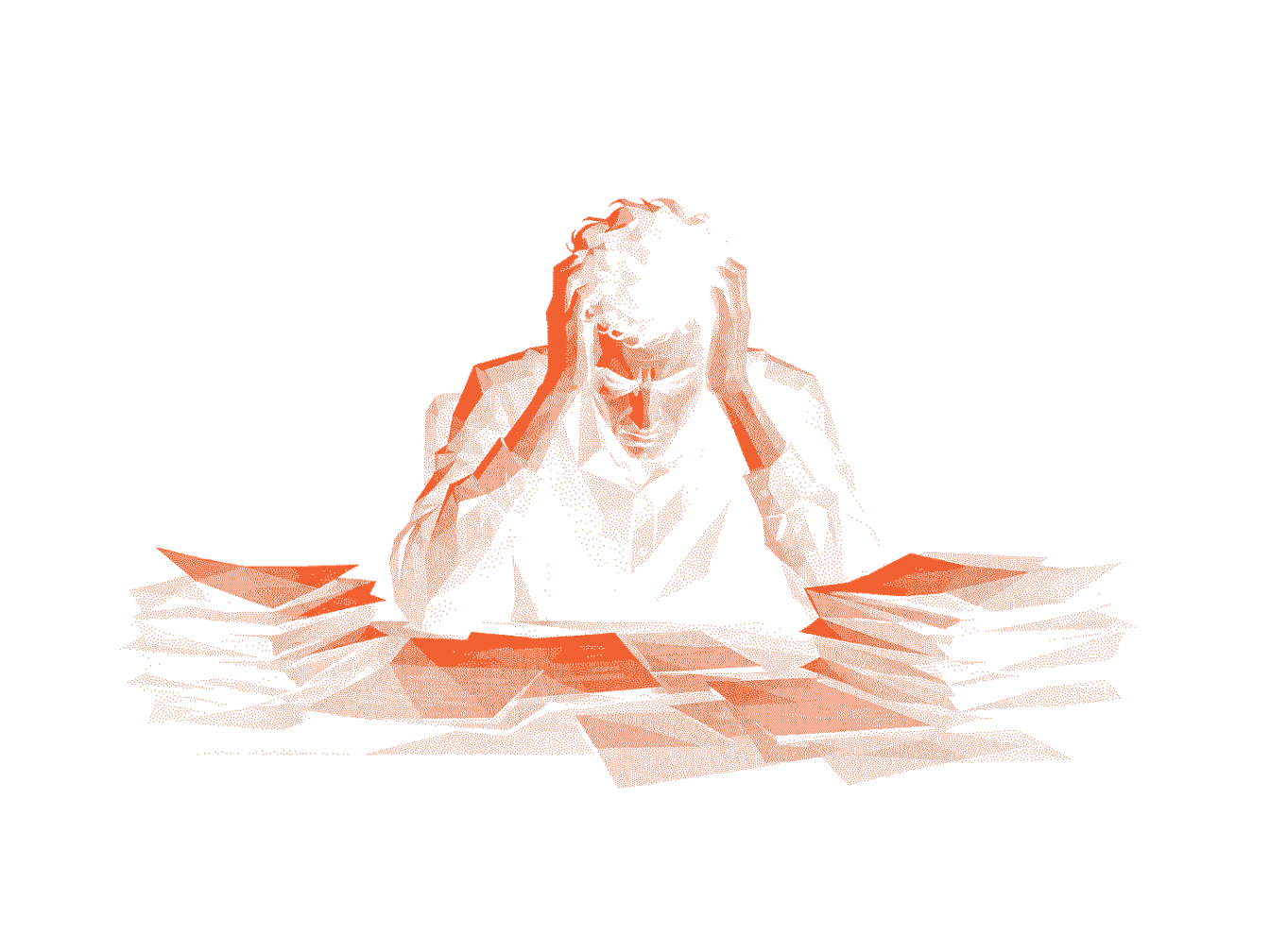
Most advice tells you to write a better list: shorter, prioritised, colour-coded. That assumes the list is what went wrong. Your list is a picture of the work, and looking at the picture costs you something on its own. Three things drive that cost.
Every item competes for the same attention
Forty items on a screen are forty requests for a decision, arriving together. You rank them before you touch any of them. That ranking burns the same attention the work needs, and you come out of it with nothing to cross off. Add more items and you spend more of your day choosing.
Unfinished items stay loud
Psychologists call this the Zeigarnik effect: you hold unfinished tasks in mind and let them go once you finish. A screen full of incomplete items holds all of them open at once. Look at tomorrow’s tasks long enough and you start carrying them today.
Re-reading is re-deciding
You open the list a dozen times a day, and each pass runs the same triage: what is urgent, what can wait, what stopped mattering. You settled all that an hour ago. The list kept no record of it, so you settle it again.
Trying harder touches none of this. All three come from how much of the list you can see and how often it makes you choose. You can change both.
Five ways to make the list feel finishable
Shrink what you can see
Stop putting the whole list on screen. Keep it somewhere you trust, and show yourself the current item. You have deleted nothing. The rest of it waits without asking you for anything.
Decide once, in advance
Order the list while you plan, then leave it alone while you work. Once the sequence is settled, starting takes no judgement: you do whatever sits at the front. Split those two sessions and you pay the ranking cost once a day instead of a dozen times.
Separate capture from doing
You need one place to dump things and another to work from. Dumping wants to be fast and unfiltered. Working wants to be narrow and ordered. Run both out of one list and you end up staring at raw inbox noise at the moment you can least afford it.
Let finished work disappear
Finished items left on screen keep the list long and hide your progress from you. Archive them instead of deleting them. You keep the record, and you stop paying for it every time you look.
Give repeating work its own place
Habits and daily checklists follow a different lifecycle from one-off tasks: they reset where tasks end. Keep them in one list and you rebuild the same items by hand every week. Worse, the list never empties, and you learn to stop expecting it to.
How Nearer approaches this
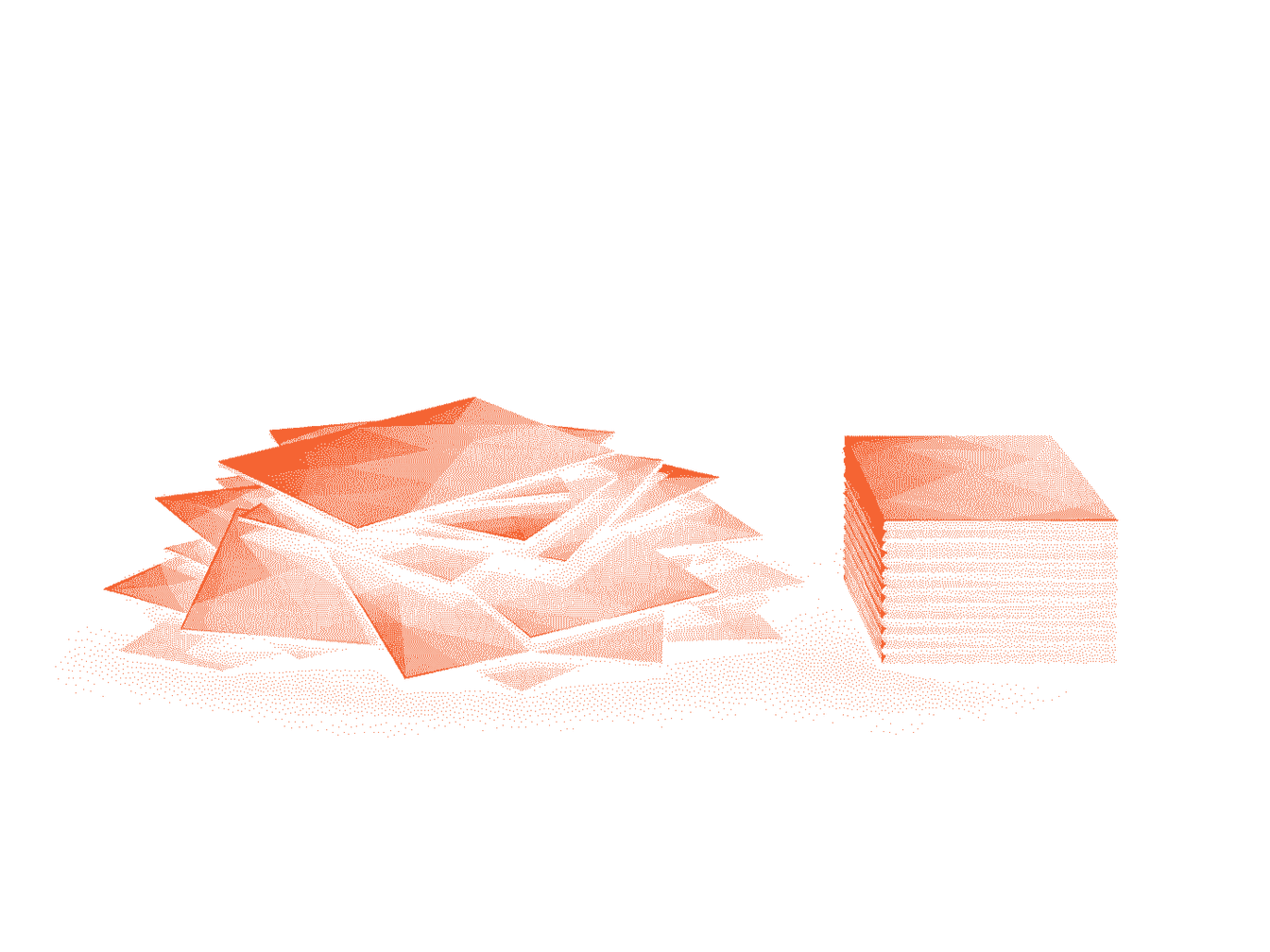
Nearer takes the first two ideas and builds the app around them. Your full list stays where it is. The screen shows one card, you finish it, and the next one appears without asking you anything. Finished cards archive themselves. Repeating work sits in routines that reset on their own schedule, so you stop rebuilding them by hand.
It is a small app on purpose, and it will not suit everyone. Planning complex projects across a team calls for something fuller. Knowing what needs doing and still not starting is the case it handles well. To weigh it against what you already use, the Todoist comparison is more specific about the trade-offs.
Try Nearer free for 7 daysNo credit card required.
Common questions
- Why do to-do lists make me feel more stressed rather than less?
- Your list shows everything outstanding at once. Adding an item improves what you remember and adds to what you have to decide. The pressure comes from the deciding, and a longer list hands you more of it.
- Is it better to have one long list or several short ones?
- Several, split by lifecycle instead of by topic. Tasks end, routines reset, and reference material sits there permanently. Split on that boundary and each list can reach empty.
- How many tasks should be on a daily list?
- Fewer than you want to write. A daily list is a forecast, and you build it in a calm moment that ignores the interruptions heading your way. Test it against an ordinary day rather than a perfect one.
- Does showing one task at a time actually help?
- It cuts the decision cost. The work stays the same size. What goes away is the repeated ranking and the weight of everything outstanding sitting in view. That tends to be what stops you starting.